Another day, another tech mystery…
Mission Brief
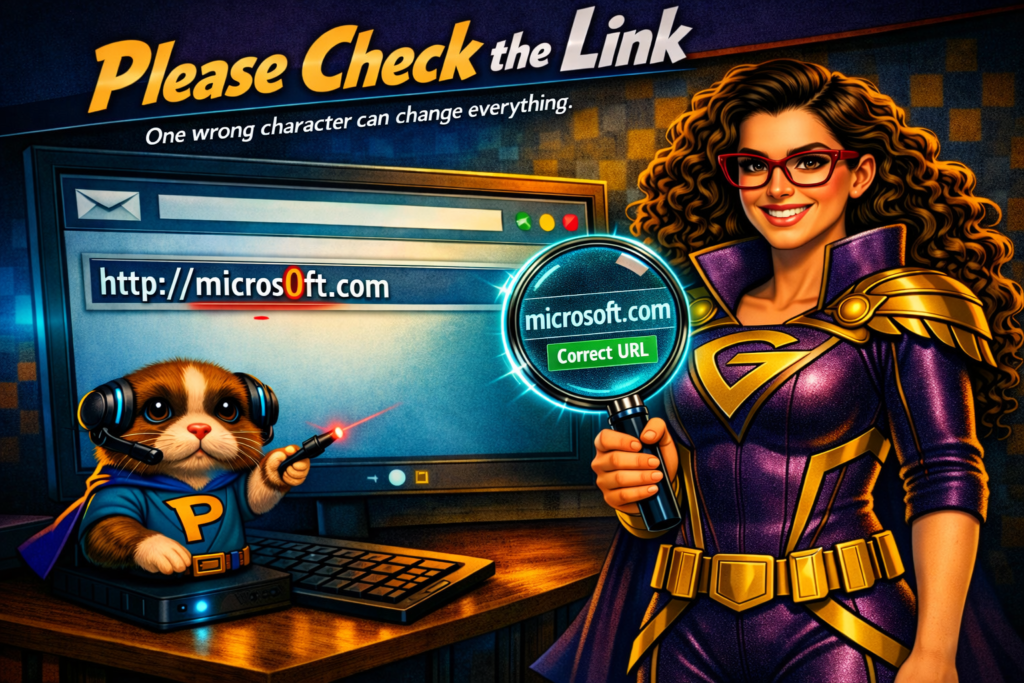
Pixel and I were reviewing website logs when I showed him three URLs:
Pixel squinted. “They look… almost right. But also… very wrong.”
Exactly.
Misspelled website addresses are one of the oldest tricks in the Digital District — and one of the easiest traps for tech‑users to fall into.
You don’t need to click them. You don’t need to visit them. Just look at them.
If you’re familiar with popular websites, you’ll notice immediately: They’re spelled incorrectly.
But not everyone catches it. And that’s exactly what the villains are counting on.
What’s actually going on?
Mal‑intenders know that humans make typos. They know people click links without reading them. They know users sometimes add the wrong ending — .com instead of .org, .net instead of .com, or something even stranger.
So what do they do?
They buy domain names that look almost identical to popular websites.
Their goal is simple. Redirect you — or hijack you — to someplace else:
- a malicious website
- a virus download
- a phishing page
- a porn site
- anything they think will cause chaos
Pixel’s eyes widened.
“So one tiny letter can send someone somewhere… awful?”
Yes, Pixel. One tiny letter.
I once saw this happen with one of my organization’s websites. We owned the .org version. Someone else bought the .com version. A tech‑user accidentally typed the wrong ending… and landed on a porn site.
Pixel fainted.
I swooped in to investigate, but there wasn’t much I could do. Our website was fine. The malicious site owner offered to take theirs down — for a large sum of money.
The internet can be a lawless land. Sometimes the only real protection is awareness.
The Rescue Plan
How to protect yourself from sneaky URLs
1. Read the address carefully
Look for extra letters, missing letters, or strange endings.
2. Check the domain ending
Is it supposed to be .com? Or .org? Or .net? Or something else?
3. Don’t click suspicious links
If the URL looks off, trust your instincts.
4. Type the website manually
If you’re unsure, type the correct address into your browser yourself.
5. Ask your tech‑hero
If something feels wrong, ask before clicking.
Why is this important?
The internet is full of look‑alike websites designed to trick you. A single misplaced letter can lead you somewhere dangerous.
Stay alert. Read carefully. And when in doubt — don’t click.
This is how you save the world—one tech issue at a time.