
Another day, another tech mystery…
Mission Brief
Pixel and I were sorting through the Digital District inbox when he noticed something troubling.
“G… humans get so many emails. How do they know which ones are safe?”
Before I could answer, three suspicious messages appeared on the screen:
1. An unexpected email from someone we know
It’s oddly short. It feels impersonal. And it says you should click a link or download a file.
2. An email from a stranger
The wording is urgent. It’s emotional. It’s designed to scare us. And it says you should click a link or download a file.
3. An email from our bank or service provider
It looks official. It feels urgent. It tells us to click a link to “fix” something immediately.
Pixel’s whiskers trembled.
“So… humans click these, right?”
If your answer is “Yes, I click the link,”
please call your tech‑hero immediately.
What’s actually going on?
As a tech‑hero, I defend my users and the organization at large — but I can’t be everywhere at once. I depend on tech‑users to stay alert, especially when suspicious emails appear.
Clicking a malicious link or downloading a dangerous file can lead to:
- downloading a computer virus
- hijacking your email account
- stealing personal information (passwords, credit cards, bank details, identity data)
- stealing corporate information (email lists, passwords, sensitive files)
Pixel clutched his tiny headset.
“That’s… a lot of danger in one click.”
Exactly.
Suspicious emails are designed to trick you — quickly, emotionally, and quietly.
But you can outsmart them.
The Rescue Plan
How to protect yourself from suspicious emails
1. Contact the sender (if you know them)
Ask if they meant to send the message. But be careful — if their email was hijacked, the attacker may respond pretending to be them.
2. Hover over the email address
Does it look strange? Misspelled? Full of random characters? If so, it’s likely fake.
3. Hover over the link (don’t click it)
Does the link point to a weird website? Is the domain misspelled? Does it look nothing like the organization it claims to be? If it feels off, it is off.
4. For banks or known companies
Do not click the link. Instead, type the organization’s website directly into your browser or call their support line.
Why is this important?
In short:
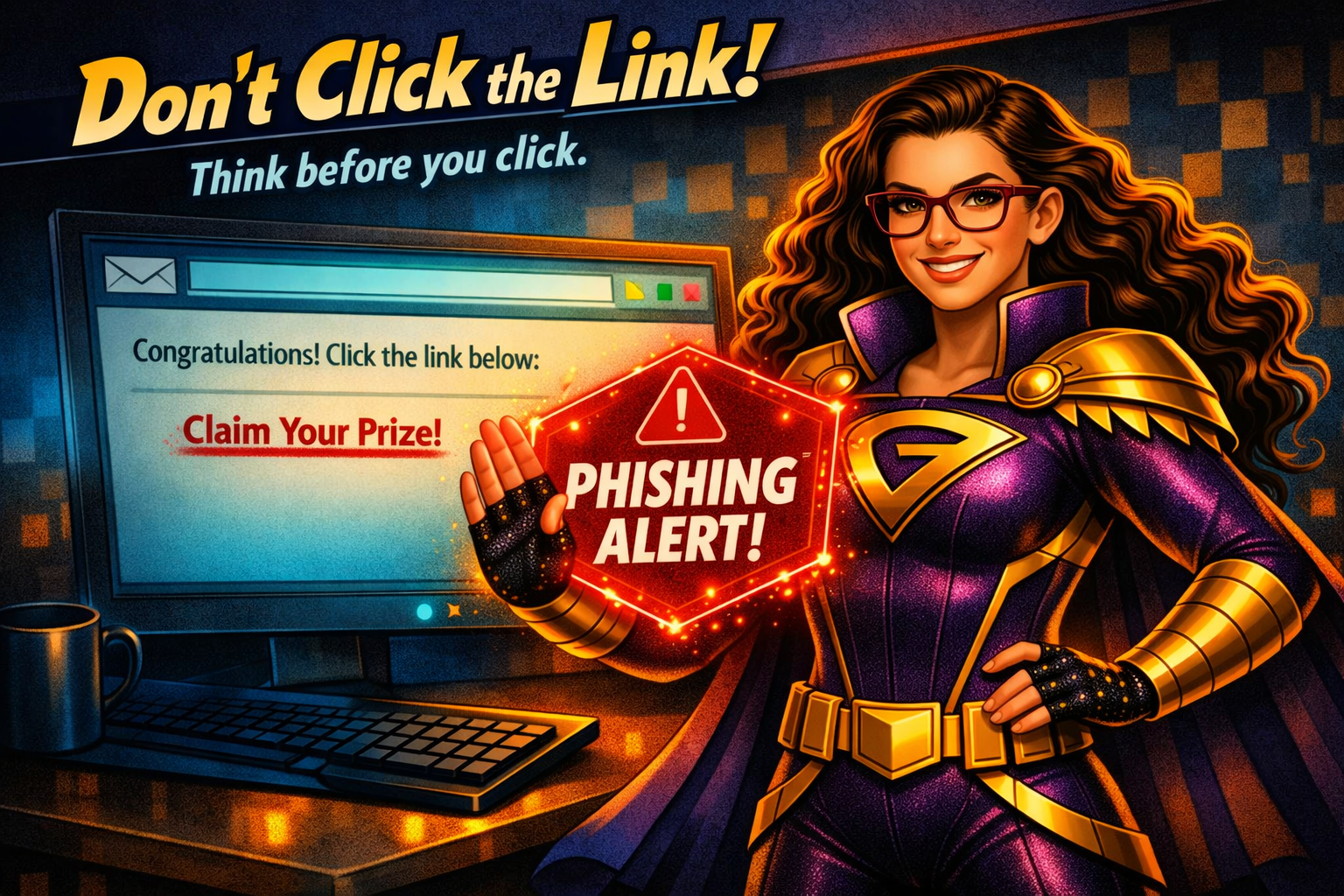
Don’t click the link. Just don’t do it.
Unless you were expecting the file, and you’ve talked to the sender, and you’re 100% sure it’s safe… you’re better off not knowing where it leads.
Your caution protects your device, your identity, your organization, and your peace of mind.
This is how you save the world—one tech issue at a time.