
A TechniGal Social‑Safety Briefing
In our Facebook‑friendly world, it’s easy to forget that not everyone online is a friend. We click Add Friend for neighbors, coworkers, friends of friends — even people Facebook suggests. But every new connection is another person with access to pieces of your identity.
And those pieces matter.
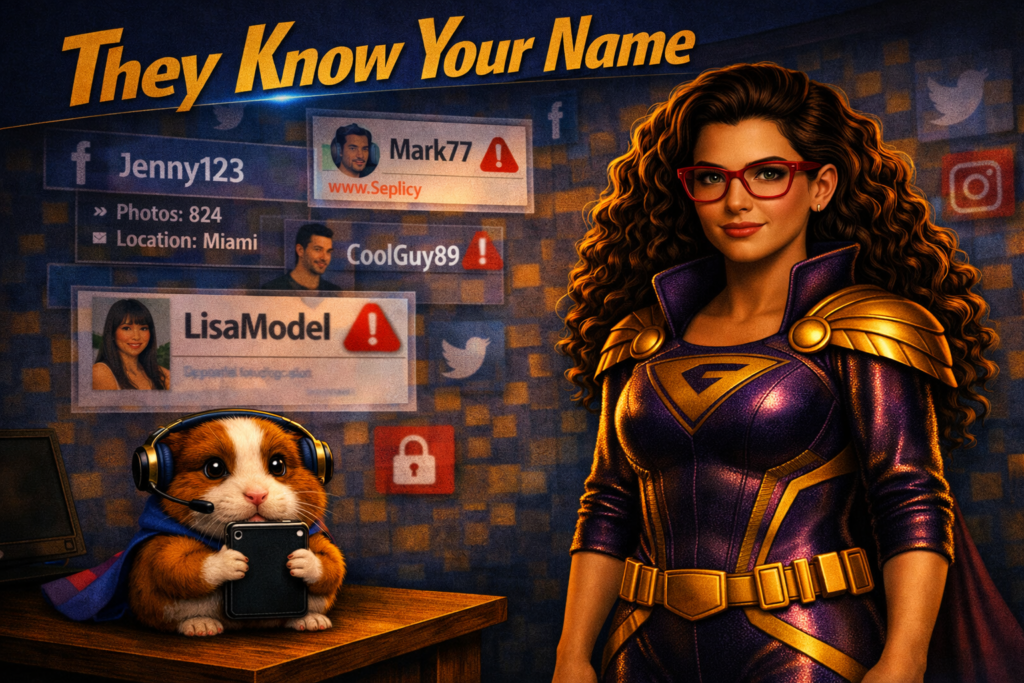
They Know Your Name
Your name is one of the most powerful identifiers you have. Facebook requires it, but it doesn’t stop there. Your name can be cross‑referenced with public databases, people‑finder sites, and old accounts you forgot existed. With enough digging, someone can uncover your address, email, age, or other personal details.
Most people won’t look. Mal‑intenders will.
They Know Your Birthday
Sharing your full birthday seems harmless — after all, who doesn’t love a wall full of “Happy Birthday!” messages? But your birthday is a key that unlocks more than celebration.
If you use it in passwords, PINs, or security questions, you’ve just handed a stranger a shortcut. Even partial dates can help someone guess the rest.
They Know Your Family
Every detail you post — your kids’ names, your spouse’s birthday, your anniversary, your pets, your favorite vacation spot — becomes part of a profile someone can build about you.
Your real friends use that information to know you better. Mal‑intenders use it to target you better.
The Rescue Plan
These tips are Facebook‑specific, but the principles apply everywhere:
- Make your profile private.
Hide important details from anyone who isn’t a confirmed friend. Every platform handles privacy differently, so look up instructions or ask your local tech‑hero for help. - Choose your friends wisely.
If you don’t know someone, you don’t owe them access. Use Facebook’s Acquaintances list for people you barely know, and Close Friends for the ones you trust. If a “friend” sends a request from a new account, be cautious — impersonation is a common tactic. - Share important details only with trusted lists.
Friend lists are powerful, but only if you use them. Before posting, click the audience selector and choose who truly needs to see it. - Remember: nothing online is ever fully private.
Even if a post is locked down, someone can repeat it verbally. Screenshots exist. Platforms store your data. Once it’s online, it’s never fully yours again.
Why is this important?
Your privacy is more important than the number of names in your friend column. Don’t hesitate to remove someone who makes you uncomfortable. Don’t hesitate to tighten your settings. Don’t hesitate to protect your digital identity.
A true friend will respect your boundaries. A mal‑intender will exploit your openness.
Choose wisely — and stay safe out there, tech‑user.