
Another day, another tech issue…
Mission Brief
I’m always grateful when tech‑users reach out about potential issues. It’s far better for a tech‑hero to swoop in for a false alarm than to end up plastered across the Digital District Gazette for an emergency gone wrong.
This time, the cry for help was urgent:
“Virus! I think someone sent me a virus!”
Pixel froze mid‑snack.
In the tech‑hero world, “virus” is the equivalent of “Help! My life’s in danger!” Whenever I hear that word, I immediately kick off a remote scan and head straight to the machine. A virus is not something to mess with.
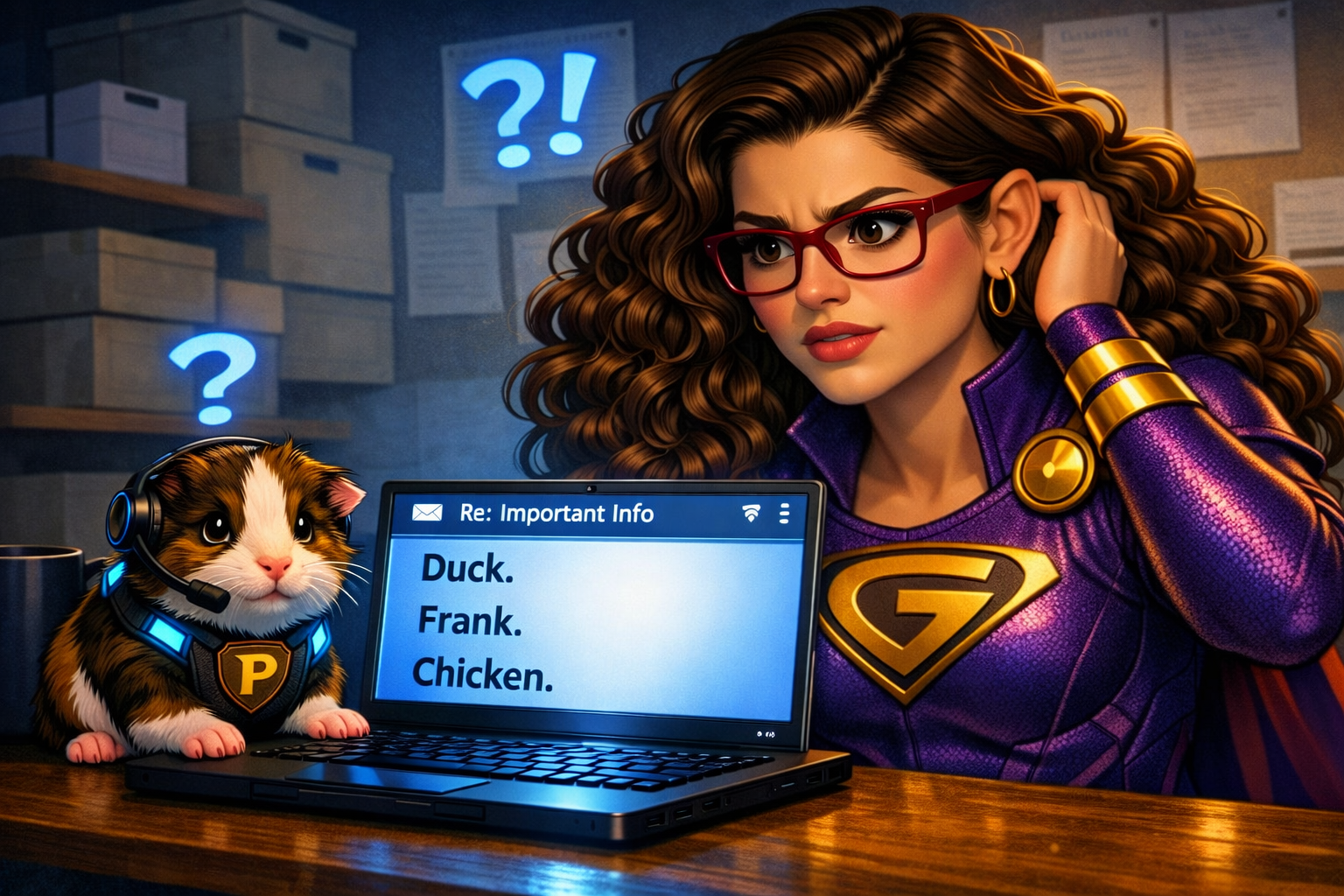
The user had received a suspicious email — five lines long, full of random nonsense words. No links. No forged sender address. Nothing made sense. So we investigated.
What’s actually going on?
We visited the sender to see if he knew anything about the bizarre message.
He did.
Apparently, he had pulled up an email draft on his phone to send himself a note. Autocorrect, in all its chaotic glory, had transformed his message into a comical string of words even he didn’t understand. After sending it, he realized another user had been left in the “To” field and had probably received the nonsense email.
He shrugged. “I figured she’d just delete it.”
“Never assume deletion! That’s how panic spreads!”
Unfortunately, that assumption did cause panic.
But the receiving user did exactly what she should have done — she alerted her tech‑hero. That alone was a major win.
The Rescue Plan
What should you do if you encounter a similar scenario?
1. Alert your tech‑hero right away
If you notice an email with a weird sender, strange message, or suspicious links — even if it’s from someone you trust — have a professional take a look. If no tech‑hero is available, ask the sender if they meant to send it.
2. Check your “To” and “CC” fields
If you’re sending yourself a note or opening an old draft, make sure no one else is accidentally included.
3. If you send something by mistake, notify the recipient
A quick “Oops — that wasn’t meant for you!” can prevent unnecessary panic.
(Even tech‑heroes make mistakes.)
Why is this important?
Suspicious emails aren’t always dangerous — but they can be. When in doubt, ask for help. A few seconds of caution can save hours of cleanup.
This is how you save the world—one tech issue at a time.