
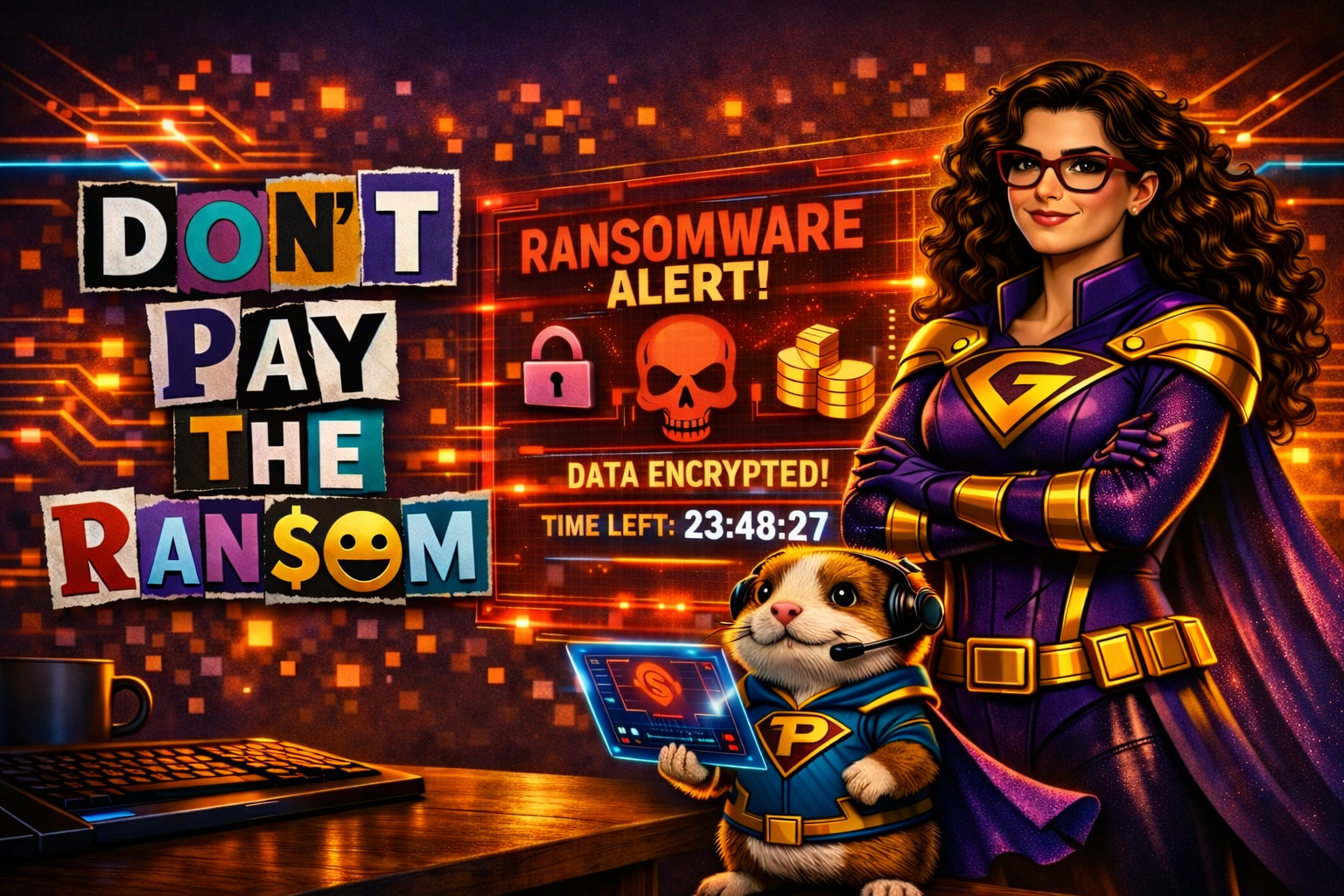
Another day, another tech issue…
Mission Brief
A couple of years ago, Pixel and I faced one of the most frustrating foes ever to hit the Digital District.
Its name?
WannaCry.
And yes — it made many tech‑heroes want to cry.
This villain encrypted files across entire networks and demanded ransom for their return. This type of attack is known as ransomware, and it’s one of the most destructive forms of malware out there.
What’s actually going on?
Ransomware works like this:
Imagine waking up to find that all your photos, documents, financial data, and corporate files are suddenly locked. You can see them — but you can’t open them.
A mal‑intender holds the key and demands payment. If you don’t pay?
Your data is destroyed.
Ransomware is:
- a form of malware
- bought and sold on the dark web
- designed to encrypt every file an infected user can access
- devastating for individuals and organizations alike
The files remain visible, but the data inside becomes inaccessible — like a digital vault you no longer have the combination for.
The Rescue Plan
1. Know how ransomware spreads
Most infections come from:
-
- infected email attachments
- malicious links
- infected ads on websites
This is why tech‑heroes constantly warn users not to click unexpected links or attachments — even if they look legitimate.
2. Back up your files regularly
In our environment, WannaCry caused minimal damage because we kept:
-
- weekly backups
- monthly backups
- yearly backups
Even when WannaCry deleted our daily backups, we still had older versions to restore.
Backups = survival.
3. Maintain your antivirus
A simple antivirus upgrade blocked ransomware from downloading entirely. Tech‑users still received infected files, but the antivirus neutralized them before they could do harm. It has been years since we’ve had an infection.
4. Stay aware of real‑world attacks
Some organizations — including state governments — still fall victim.
Just recently, a Florida city paid $600,000 to restore their files. If they had maintained backups and prevention tools, the attackers wouldn’t have been rewarded.
5. Protect personal machines too
Ransomware doesn’t just target big organizations. Anyone can be a victim.
To protect your personal files:
-
- Back up your data to an external device
- Disconnect the device after backing up
- Keep your antivirus updated
- Be cautious with email and pop‑ups
Pixel calls this “digital self‑defense.”
Why is this important?
Ransomware thrives on unprepared victims. Awareness, backups, and basic precautions can prevent catastrophic data loss — and stop attackers from profiting.
You don’t have to be one of the victims.
This is how you save the world – one tech issue at a time.