
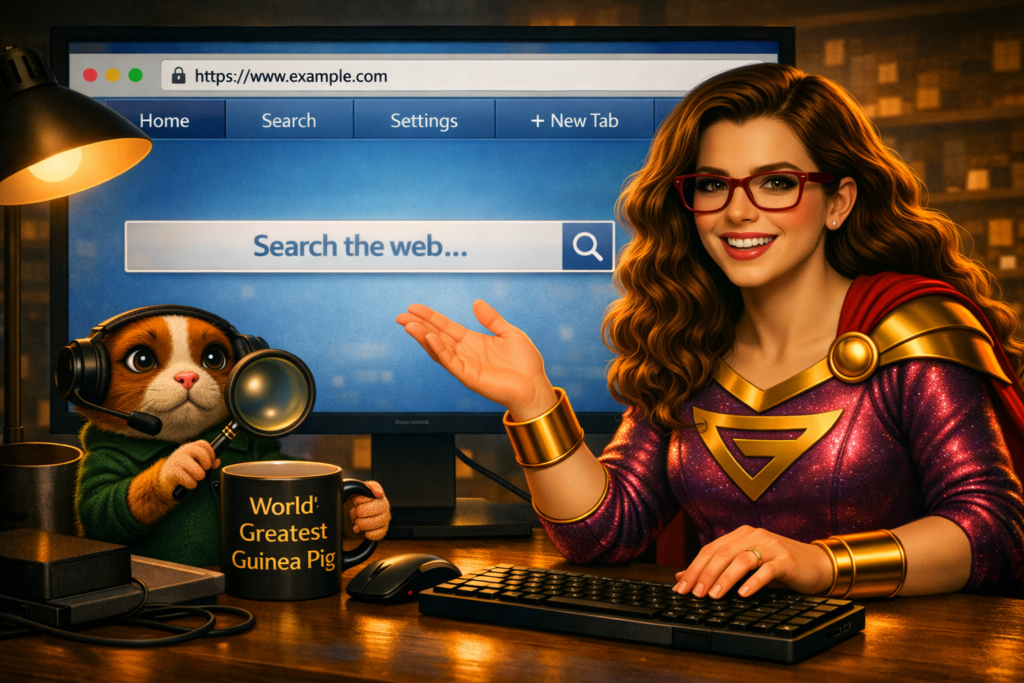
Ask Technigal: “I was asked to open my browser. What does that mean?”
Oh, friend… this question pops up all the time. Pixel hears it and immediately sprints across the desk like he’s about to open all the browsers at once. (Please don’t let him.)
If someone told you to “open your browser,” they’re simply asking you to open the program you use to access the internet.
That’s it — nothing scary, nothing complicated, nothing involving capes or secret codes.
Let’s break it down hero‑style.
What’s actually going on?
A browser is a program that lets you visit websites, check email, watch videos, read articles, and search for answers to life’s greatest mysteries — like “Why is my Wi‑Fi being dramatic?”
Browsers are your gateway to the internet. Different computers come with different ones, and you can install others if you prefer.
Here are the most common browsers you’ll encounter:
Internet Explorer
The classic Windows browser.
Old, retired, and mostly used now by people who accidentally click it.
If your tech‑hero tells you not to use it… listen.
Microsoft Edge
The modern Windows browser.
Fast, secure, and the default on most Windows machines.
If you’re on a PC, this is probably the one you’ll see first.
Google Chrome
One of the most popular browsers in the world.
Fast, simple, and works on almost every device.
Great for people who use Gmail, Google Drive, or other Google tools.
Safari
The default browser on Apple devices.
Clean, simple, and optimized for Macs, iPhones, and iPads.
If you’re using an Apple product, this is likely your browser.
Firefox
A free, open‑source browser known for privacy and customization.
Great for users who want control over their settings and extensions.
Why does this matter?
Because when your tech‑hero says “open your browser,” what they’re really saying is “Open the program you use to get on the internet.”
Different browsers behave differently, support different features, and store different bookmarks or passwords. Knowing which one you’re using helps your tech‑hero give you the right instructions.
The TechniGal Truth
Your browser is your doorway to the digital world. Whether it’s Chrome, Edge, Safari, Firefox, or something other, it’s simply the tool you use to explore the internet.
So the next time someone says “open your browser,” just click the icon you normally use to go online — and you’re already halfway to saving the day.