Another day, another tech mystery…
Mission Brief
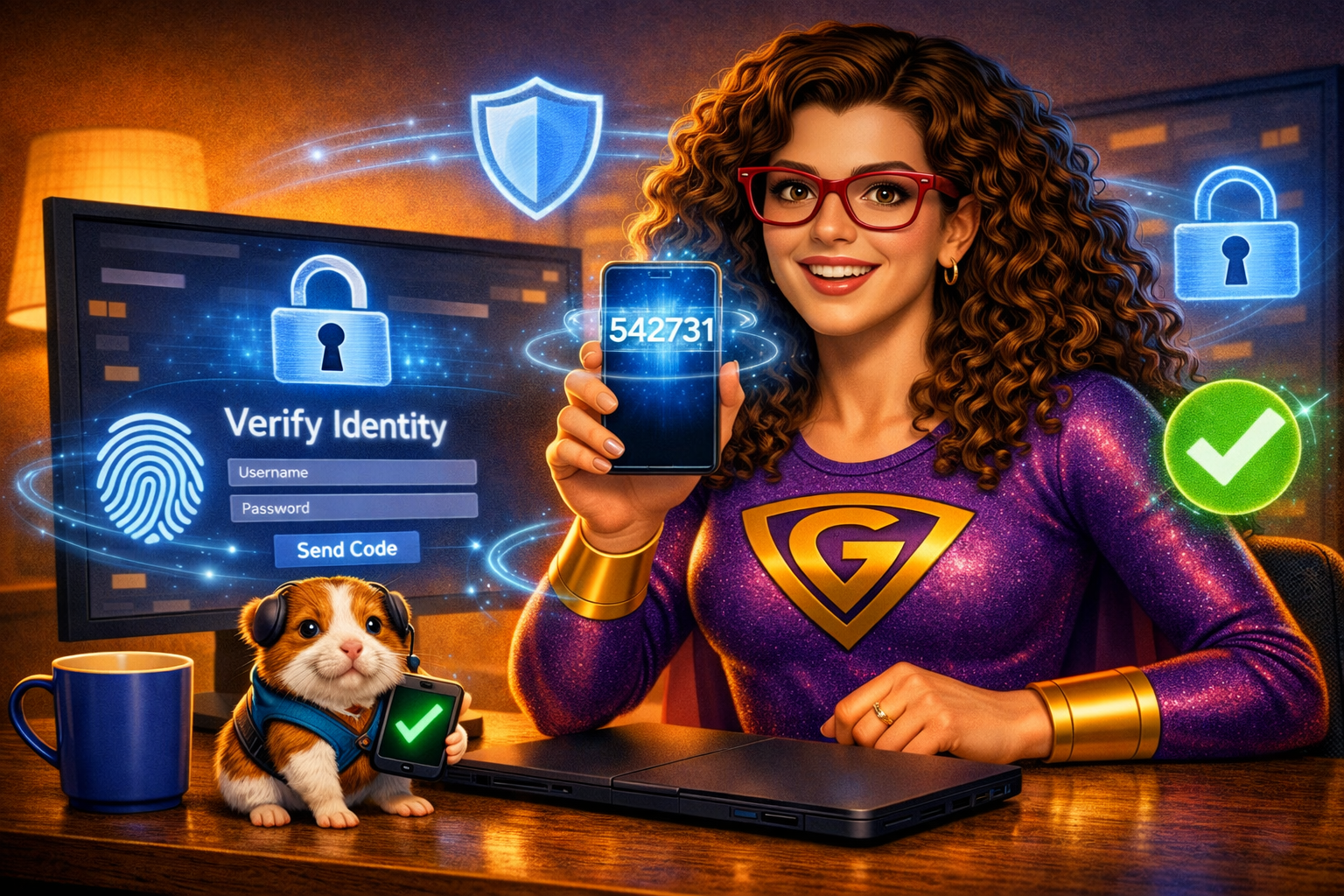
Pixel and I were monitoring the Digital District when he noticed something curious.
“G, why do some websites ask humans for so many things when they log in? Passwords… codes… apps… phone prompts… It feels like unlocking a vault!”
I smiled.
“Pixel, you’ve just discovered Multi‑Factor Authentication.”
If you’ve ever logged into an online bank or another secure account, you’ve probably encountered it — that moment when the website says:
“I need more proof that it’s really you.”
Pixel blinked.
“So it’s like a super‑secret handshake… but with extra steps?”
Exactly.
What’s actually going on?
Here’s what happens behind the scenes when MFA kicks in:
Device:
“Here’s the user’s password. They saved it in their browser… so I’m not totally sure it’s actually them.”
Website:
“The password matches. But before I let them in, let’s ask for something else — something only they should have.”
Multi‑Factor Authentication requires two or more of the following:
1. Something you know
- Password
- PIN
- Security questions
2. Something you have
- Phone
- Authentication app
- Hardware token
- Email account
3. Something you are
- Fingerprint
- Face ID
- Voice recognition
The Rescue Plan
Passwords can be stolen, guessed, reused, or saved in browsers. But your phone? Your fingerprint? Your authentication app? Those are much harder for villains to access.
MFA protects you even if your password leaks — because attackers won’t have the other factors.
If a bank or website requests that you set up additional modes of authentication, this is a very good thing. If they do not, they may not have your best interests in mind.
Why is this important?
Multi‑Factor Authentication is one of the strongest tools you have to protect your digital identity — but it only works if your second (and third) factors are secure.
Always use a passcode, fingerprint, or face unlock on your smartphone. If your phone is unprotected, your accounts are unprotected.
Layer your security. Protect your devices. Guard your identity. Your devices and accounts are a reflection of you – no one should access them without your knowing.
This is how you save the world—one tech issue at a time.