
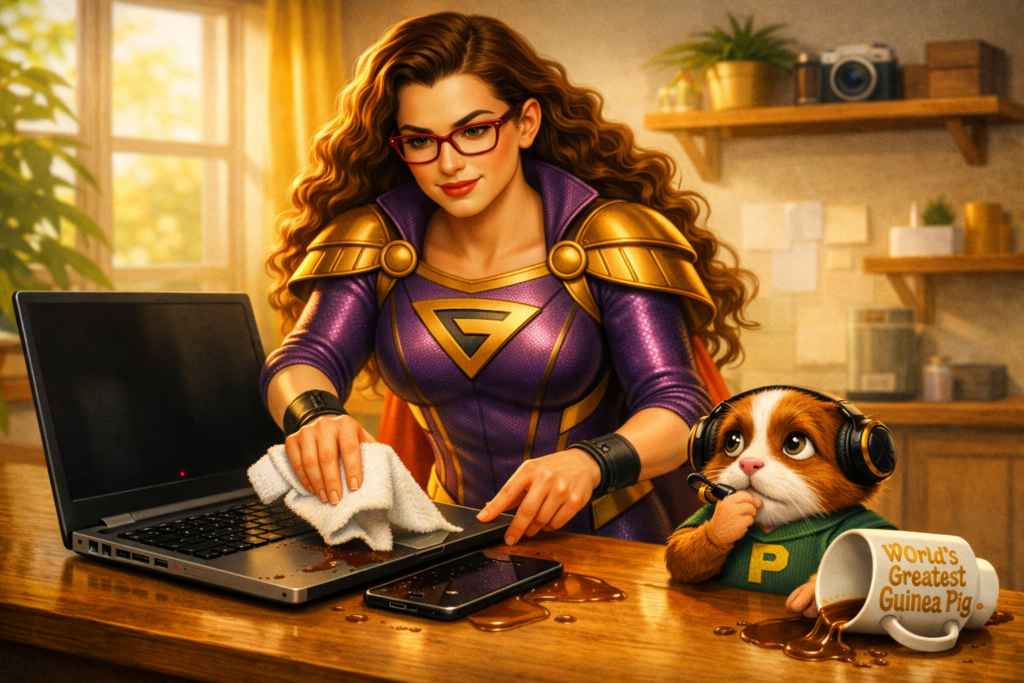
Another day, another tech problem…
Mission Brief
You’re sitting in a cozy coffee shop, typing away on your laptop, enjoying the perfect blend of caffeine and productivity…
When disaster strikes. Your drink spills. Your heart stops. Your laptop and phone both get caught in the crossfire.
Pixel gasps so loudly that three customers turn around.
“G… this is a LEVEL‑TEN EMERGENCY.”
Panic sets in.
But then you remember this episode. All hope may not be lost.
What’s actually going on?
Liquid + electronics = a dangerous combination. But quick action can sometimes save the day.
Here’s what to do — immediately.
The Rescue Plan
Step 1: For BOTH devices
- Unplug the device right away.
- Power it off.
- Remove the battery if possible.
Pixel narrates dramatically:
“Cut the power! CUT THE POWER!”
Step 2: For the Laptop
Lay down towels. Flip your laptop over so it forms a teepee. This lets gravity pull the liquid out instead of deeper into the machine.
Modern laptops are compact — which means:
- The keyboard often takes the brunt of the spill (good).
- But if liquid reaches internal components, it can fry the entire system (bad).
Let it drain. Let it dry.
Step 3: For the Phone
- Wipe it off thoroughly.
- Dry the charging port and any openings.
- Place the phone in a bag of rice for several hours.
- Do not turn it on during this time.
Step 4: Assess the Damage
Once you are certain both devices are dry:
- Turn them on.
- Check for sticky keys, odd behavior, or glitchy screens.
- If something seems off, call your local tech‑hero.
They may not be able to save the device… but they can at least try.
Why is this important?
Ideally, keep drinks — and bathtubs, pools, rainstorms, and anything liquid — far away from electronics.
But even tech‑heroes know accidents happen.
While there’s no guarantee your device can be revived, you can prevent data loss by backing up your files regularly:
- to the cloud
- to an external drive
If the worst happens, your memories and work will still be safe.
This is how you save the world—one tech issue at a time.