
Another day, another tech issue…
Mission Brief
Millie is excited — very excited. She has taken the cutest photo of her cat, Mr. Whiskerfluff, and she wants the entire organization to bask in his glory.
So she selects the Everybody email list… and hits Send.
Within seconds:
“Aww, he’s so cute!” — Bobby
“Look at those little whiskers!” — Sue
“OMG precious!!” — half the company
Pixel’s eyes widen as the replies keep coming… and coming… and coming.
What began as one adorable kitten has now become an inbox avalanche — clogging mailboxes, slowing the server, and burying legitimate work emails under a mountain of cat‑themed enthusiasm.
What’s actually going on?
When someone emails a large group using To or CC, every recipient can see every other recipient’s address.
That means:
- Anyone can reply to everyone
- Everyone receives every reply
- The email server gets overloaded
- Productivity plummets
- Chaos reigns
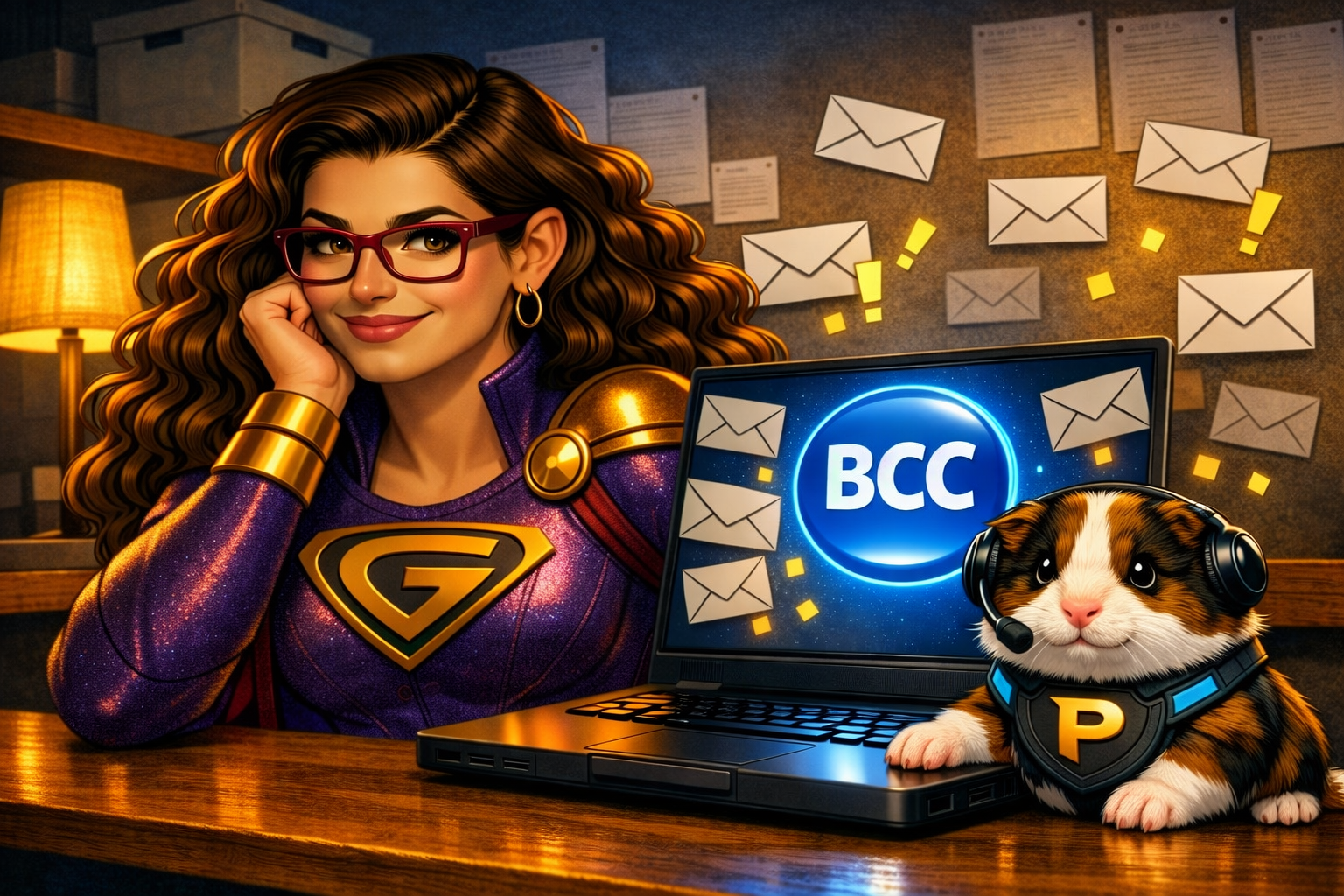
This is why large‑group emails need a special tool: BCC.
BCC (Blind Carbon Copy) hides all recipient addresses from each other. No one sees the list. No one accidentally replies to everyone. No one floods the server with cat‑related commentary.
It keeps communication clean, private, and professional — even when cats are involved.
The Rescue Plan
1. Don’t use the Everybody list for casual sharing
Work email is not the best place for pet photos, memes, or personal announcements.
2. Use BCC for large groups
If you must email a big audience, put them in BCC.
3. Protect privacy
Some people don’t want their email address visible to dozens or hundreds of coworkers.
4. Prevent reply‑all storms
BCC stops accidental mass replies — the #1 cause of inbox chaos.
5. Add administrators quietly
If you need accountability (like gently coaching Millie about her cat‑photo enthusiasm), you can BCC supervisors without exposing their addresses.
Why is this important?
Using BCC protects privacy, prevents inbox overload, and keeps communication professional. It ensures important messages don’t get buried under a tidal wave of replies — even adorable ones.
This is how you save the world – one tech issue at a time.