
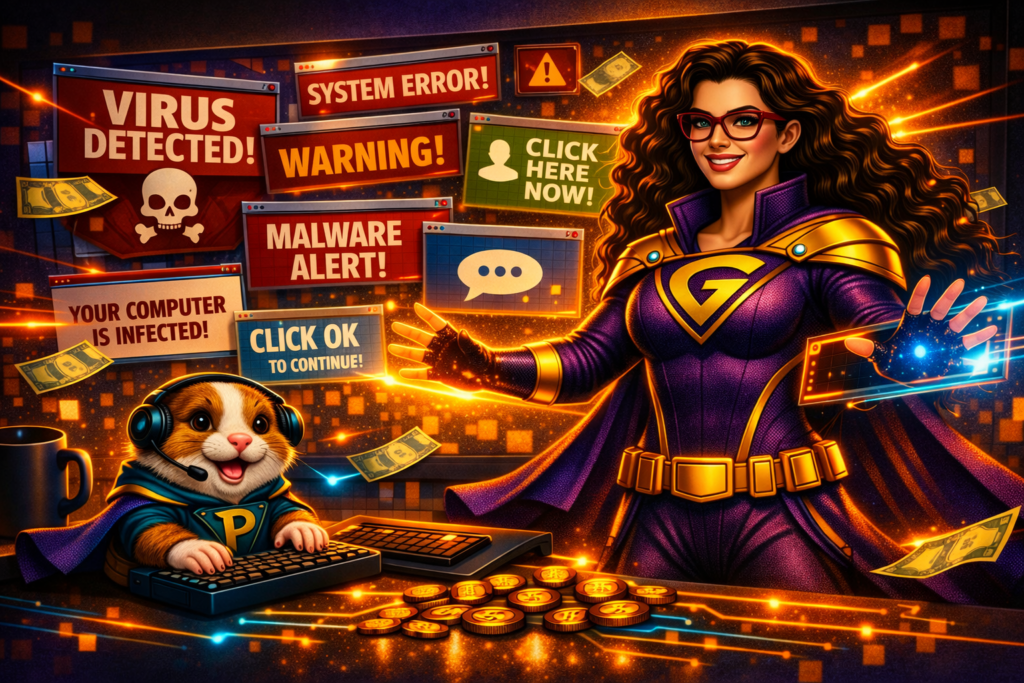
Another day, another tech issue…
Mission Brief
A tech‑user bursts into the TechniLair, eyes wide, clutching their laptop like it’s a cursed artifact.
“TechniGal! A terrifying window popped up while I was online — what do I do?!”
Pixel immediately hides behind a stack of keyboards.
“Was it growling? Some of them growl.”
Whether it’s a flashing warning, a fake virus alert, or a pop‑up that refuses to close, scary windows can make even the bravest tech‑user panic.
But panic is exactly what the villains want.
What’s actually going on?
These pop‑ups are designed to scare you into clicking.
They often claim things like:
- “You have 1,892 viruses!”
- “Your entire computer is encrypted!”
- “You’ve been tagged by the FBI!”
But here’s the truth: None of it is real.
Even if the pop‑up uses the Microsoft logo…
Even if it makes scary noises…
Even if it looks official…
The goal is simple… they want to make you click.
And clicking — even the innocent-looking X — can trigger a virus download.
The Rescue Plan
1. Don’t click anything
Not the “OK.” Not the “Cancel.” Not even the “X.”
2. Use the magic trio: CTRL + ALT + DELETE
On a Windows machine, pressing these three keys together opens a blue menu. At the bottom, you’ll see Task Manager.
Pixel calls it “the emergency escape hatch.”
3. Open Task Manager
Find your internet browser in the list. Click End Task. The browser — and the scary pop‑up — will disappear instantly.
4. If all else fails… shut it down
If you accidentally clicked the pop‑up — or if it refuses to close— turn off your computer. This stops the malicious program before it can do more damage. Then call your friendly neighborhood tech‑hero. They can run a virus scan and clean up any leftovers.
Why is this important?
Scary pop‑ups rely on fear and urgency to trick users into clicking. Knowing how to safely close them protects your device, your data, and your peace of mind. A calm response and a few simple steps can prevent a major tech disaster.
This is how you save the world – one tech issue at a time.