
Another day, another tech issue…
Mission Brief
A tech‑user flagged me down in full panic mode. She wasn’t receiving email from a coworker — not a single message.
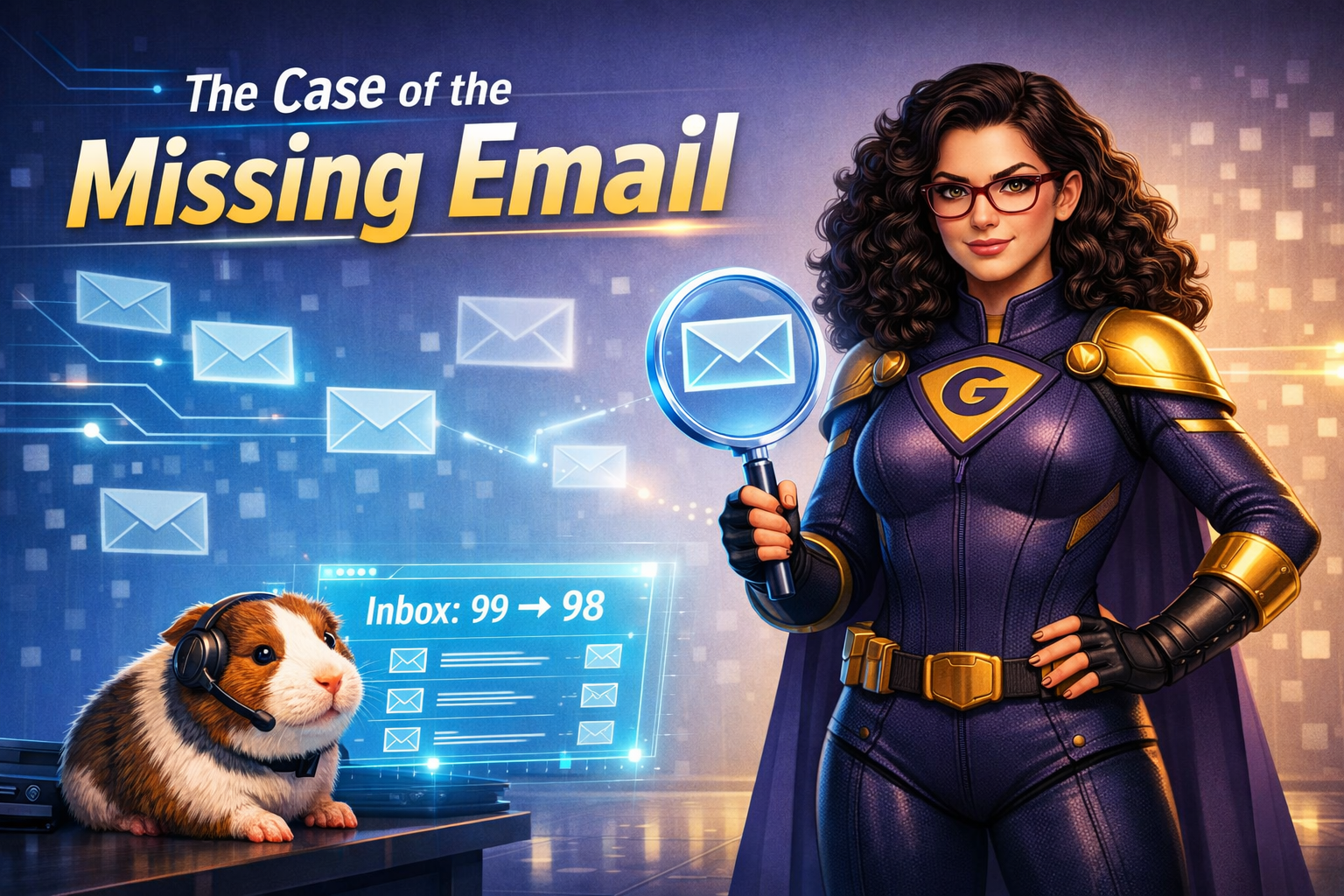
Pixel immediately grabbed his tiny detective hat.
I asked a few basic questions:
“Are you receiving any email?”
“Did they spell your address correctly?”
“Did they forget to include you?”
But everything checked out.
And here’s the thing: Internal email almost never gets lost. So if one coworker’s messages aren’t arriving… something unusual is happening behind the scenes.
Pixel whispered, “Maybe the email fell into a wormhole.”
Not quite, Pixel.
What’s actually going on?
External email can get flagged as spam — sometimes an entire domain gets rerouted straight to Junk without the user ever knowing.
But internal email? That’s different.
If our organization’s domain were flagged, no one would receive internal messages.
So the issue had to be specific to this sender.
I remembered a past incident where a tech‑user had created an email rule that automatically sent their boss’s messages straight to Trash.
Not malicious — just… poorly thought out.
Rules can be powerful, but they can also quietly sabotage communication.
Sure enough, when I checked this user’s mailbox, there it was: a rule directing all email from the coworker straight into Trash. Once I deleted the rule, the missing messages reappeared, and communication was restored.
Computers aren’t mystical — they’re obedient.
If you tell a machine to delete email, it will. It doesn’t care who the sender is or why the rule exists.
The Rescue Plan
1. Check the basics
-
- Are you receiving other email?
- Did the sender type your address correctly?
- Did they actually include you?
2. Look for email rules
Rules can:
-
- move mail to folders
- delete mail
- forward mail
- hide mail entirely
If a specific person’s messages are missing, a rule is often the culprit.
3. Remove or adjust the rule
Once the rule is deleted, messages should flow normally again.
4. If you’re unsure, call your tech‑hero
We can check your mailbox settings, rule list, and spam filters to find the culprit quickly.
Why is this important?
Email rules are helpful, but they can also unintentionally block communication. Understanding how they work prevents lost messages, workplace confusion, and unnecessary panic. When you know where to look, you can solve the mystery in minutes.
This is how you save the world – one tech issue at a time.