
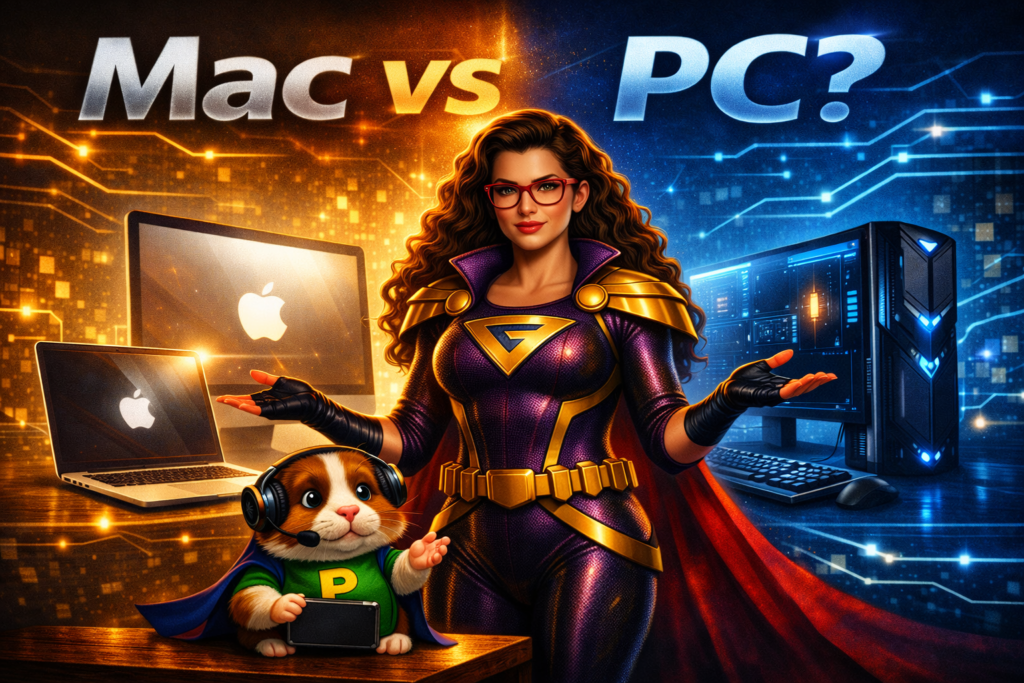
Ask Technigal: “I need a new computer. One friend told me to buy a Mac. Another, a PC. What should I do?”
Oh, friend… this question sparks more debates than Pixel’s theory that “all computers secretly run on snacks.” (He’s still collecting evidence.)
Buying a new computer can feel overwhelming — especially if you’re not confident with technology. Everyone seems to have an opinion, and half of them contradict each other. So let’s break it down calmly, hero‑style.
The Rescue Plan
When you’re choosing between a Mac and a PC, you’re really choosing between two different worlds — two operating systems, two ecosystems, and two philosophies of design.
Here’s what to consider:
Familiarity
What kind of computer do you already use — at work or at home? Macs and PCs look and behave differently. If you’ve used one for years, switching can feel like learning a new language. Stick with what feels comfortable unless you have a reason to change.
Cost
You generally get what you pay for. Cheaper PCs can handle basic tasks like email and word processing just fine, but they won’t be as powerful or long‑lasting. Macs tend to cost more upfront but often include longer support lifespans and higher build quality.
Whatever you choose, consider adding a multi‑year warranty — it’s worth it.
Dependability
Both Macs and PCs can last a long time — I’ve seen ten‑year‑old machines of each still running strong. Longevity depends on several factors:
- Quality: Higher‑end models last longer.
- Type: Desktops often outlive laptops.
- Mobility: The more you move it, the more wear it gets.
- Care: Keep software updated, run antivirus, and don’t skip maintenance.
(Yes, Macs can get viruses too. I’ve seen one with over 300 infections. Pixel still shudders.)
And please — don’t run your computer over with a car. No warranty covers that.
Why does this matter?
Because your choice should fit you — not your friend, not your coworker, not the latest ad.
- Macs are loved by artists, designers, musicians, and anyone who wants seamless syncing with iPhones and iPads.
- PCs are more affordable, widely available, and support a broader range of free software. They’re easier to repair but more prone to viruses.
New technology appears every six months, but that doesn’t mean you need to upgrade constantly. Choose what meets your needs now and will still serve you well a few years down the road.
Pixel’s Wisdom:
“If you buy a computer just because it’s shiny, you’ll spend more time polishing than using it.”
The TechniGal Truth
Whether you choose a Mac or a PC, the best computer is the one that fits your comfort, your budget, and your purpose.
Treat it well, keep it updated, and it’ll serve you faithfully for years.
And if you’re still torn, your local tech‑hero can help you weigh the pros and cons — no cape required.